Route Optimization
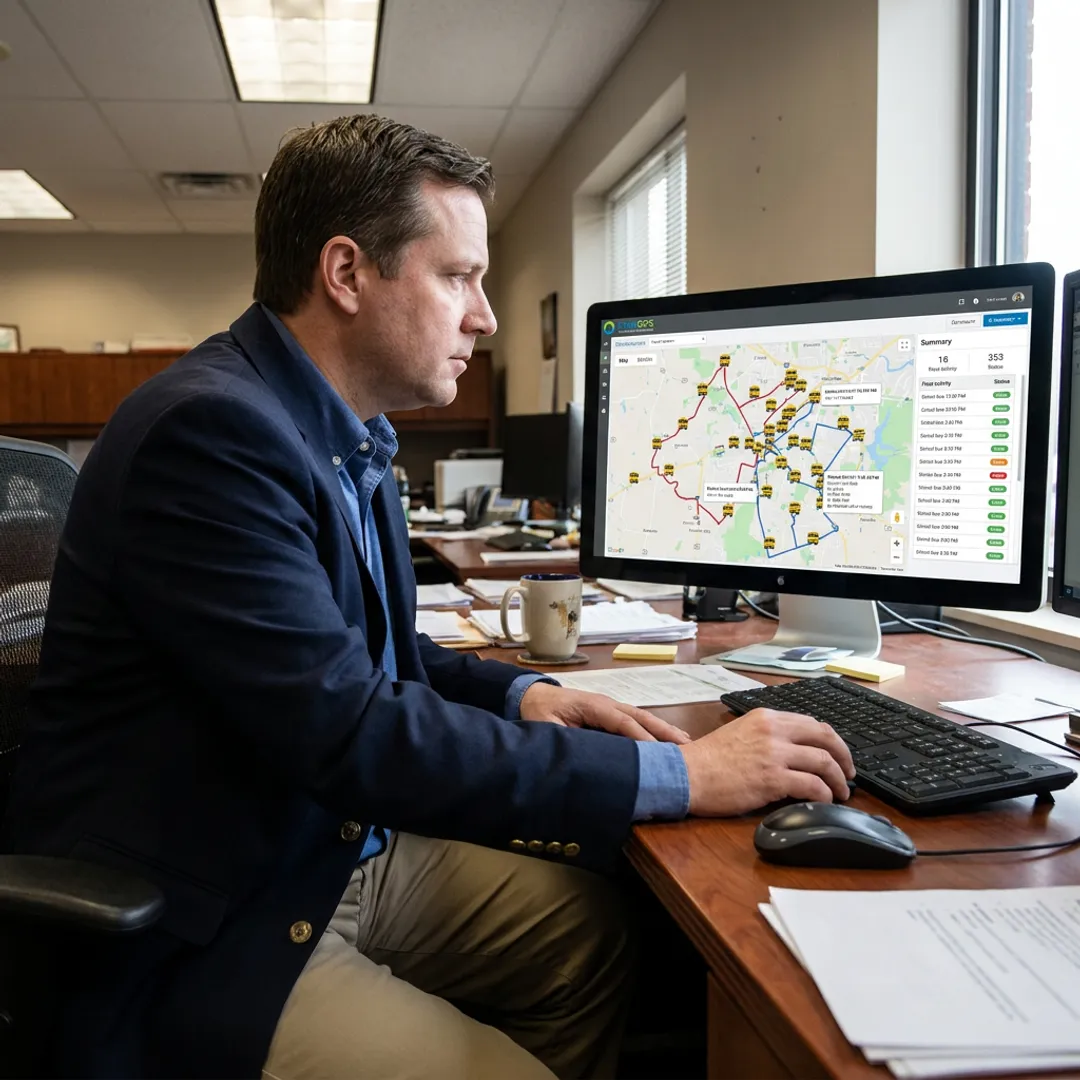
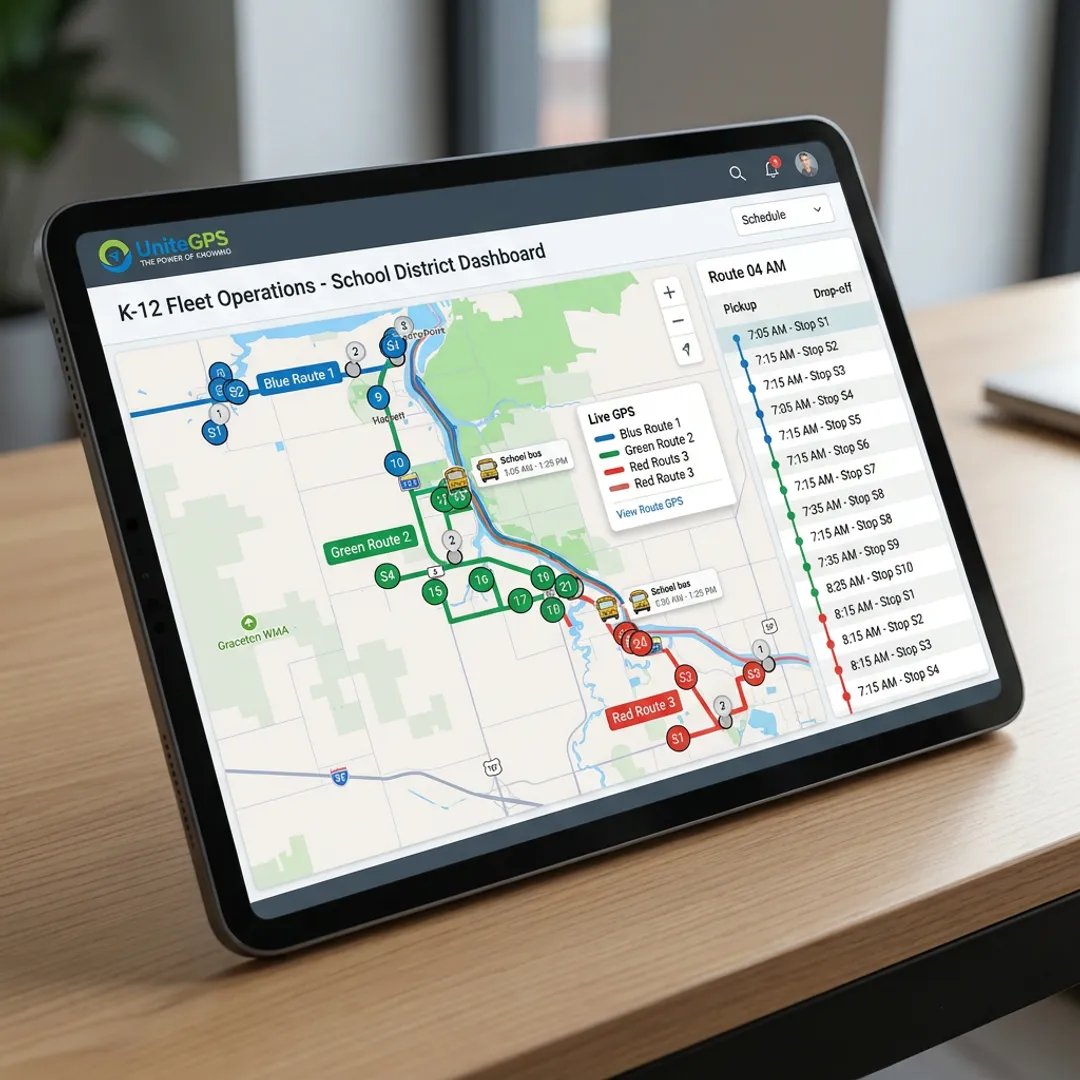
Turn enrollment data into efficient bus routes, rosters, and printable route sheets instead of relying on paper maps, disconnected tools, or institutional memory.
Learn More →
Give your transportation office a clearer way to build, adjust, and share school bus routes. UniteGPS turns enrollment data into organized routes, rosters, and printable route sheets while reducing manual updates and day-to-day guesswork. With hands-on setup, SIS synchronization, and live support, K-12 teams can spend less time maintaining maps and more time keeping students moving safely.
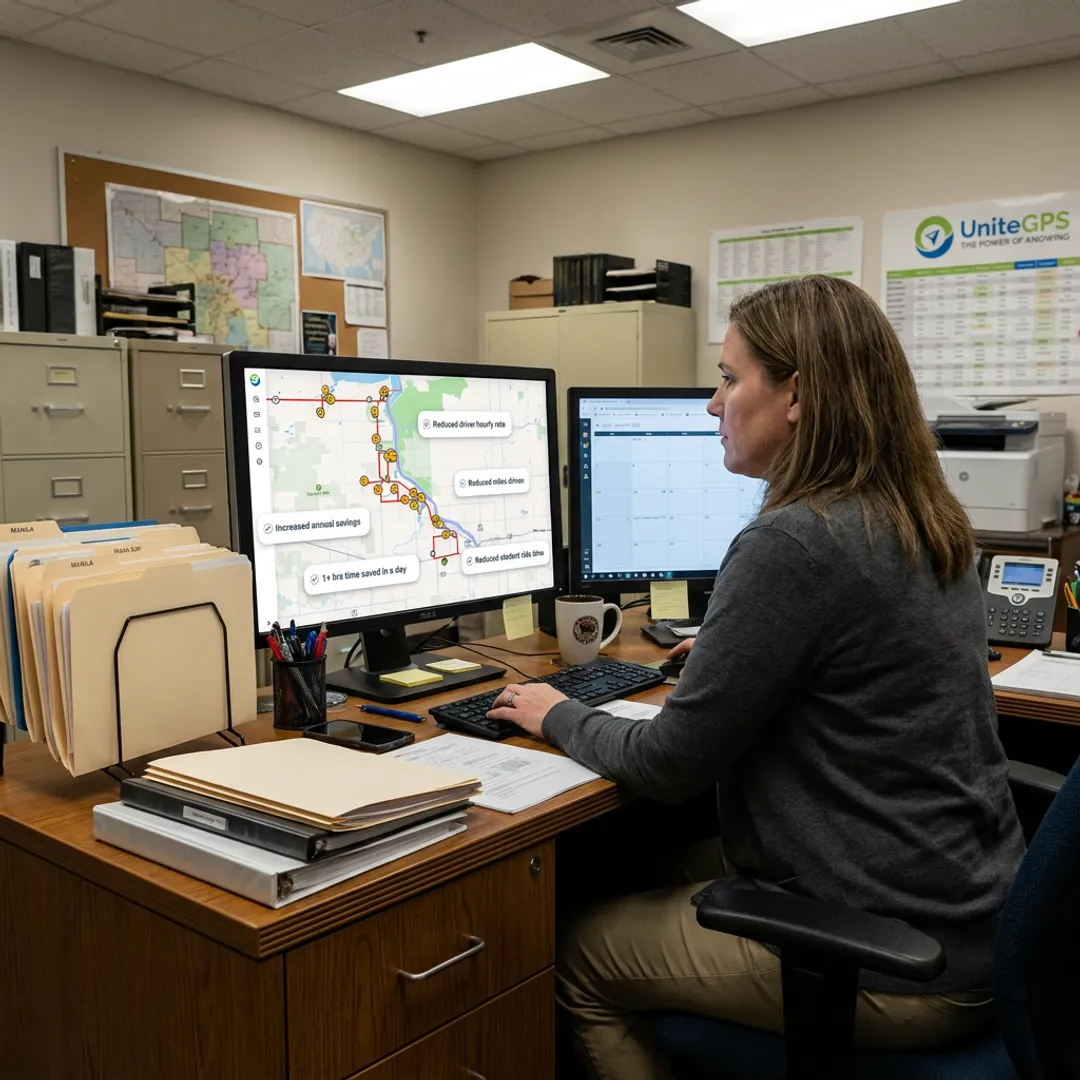
Integrated tools that simplify route planning, data management, visibility, and student transportation documentation.
Turn enrollment data into efficient bus routes, rosters, and printable route sheets instead of relying on paper maps, disconnected tools, or institutional memory.
Learn More →Synchronize enrollment data with transportation records so student moves, school changes, stop assignments, and route information stay aligned without repeated manual uploads.
See bus locations in real time, review timestamped history, track mileage, and receive speeding, idle, and geofence alerts across your fleet.
Learn More →Give families real-time bus location visibility, estimated arrival information, and ride history to reduce transportation-office calls and resolve timing questions with data.
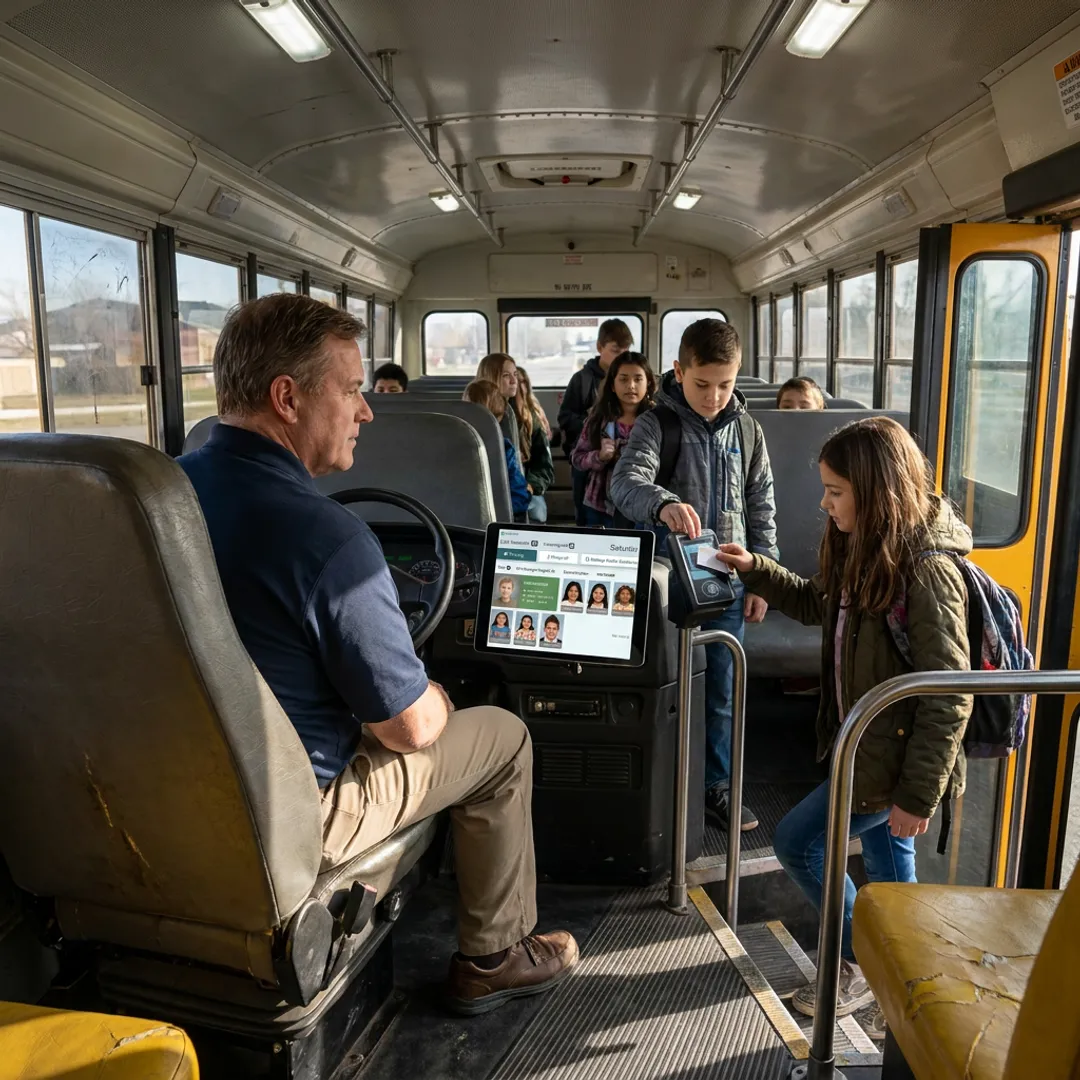
Learn More →Document student scan-on and scan-off activity, strengthen safety records, support advanced parent notifications, and verify who rode each bus and when.
Learn More →Convert scan-verified special-education rides and categorized mileage into billing-ready records that support Medicaid reimbursement documentation for qualifying transportation.
Learn More →UniteGPS helps busy K-12 transportation offices replace fragmented route-planning work with one connected system. Import and synchronize student information, build practical routes and rosters, and produce route sheets your team can use with confidence. Start with routing essentials, then add GPS, family visibility, or on-board tablet tools when needed. A free 90-day setup includes routes built by the UniteGPS team, so your staff is not left to figure it out alone.
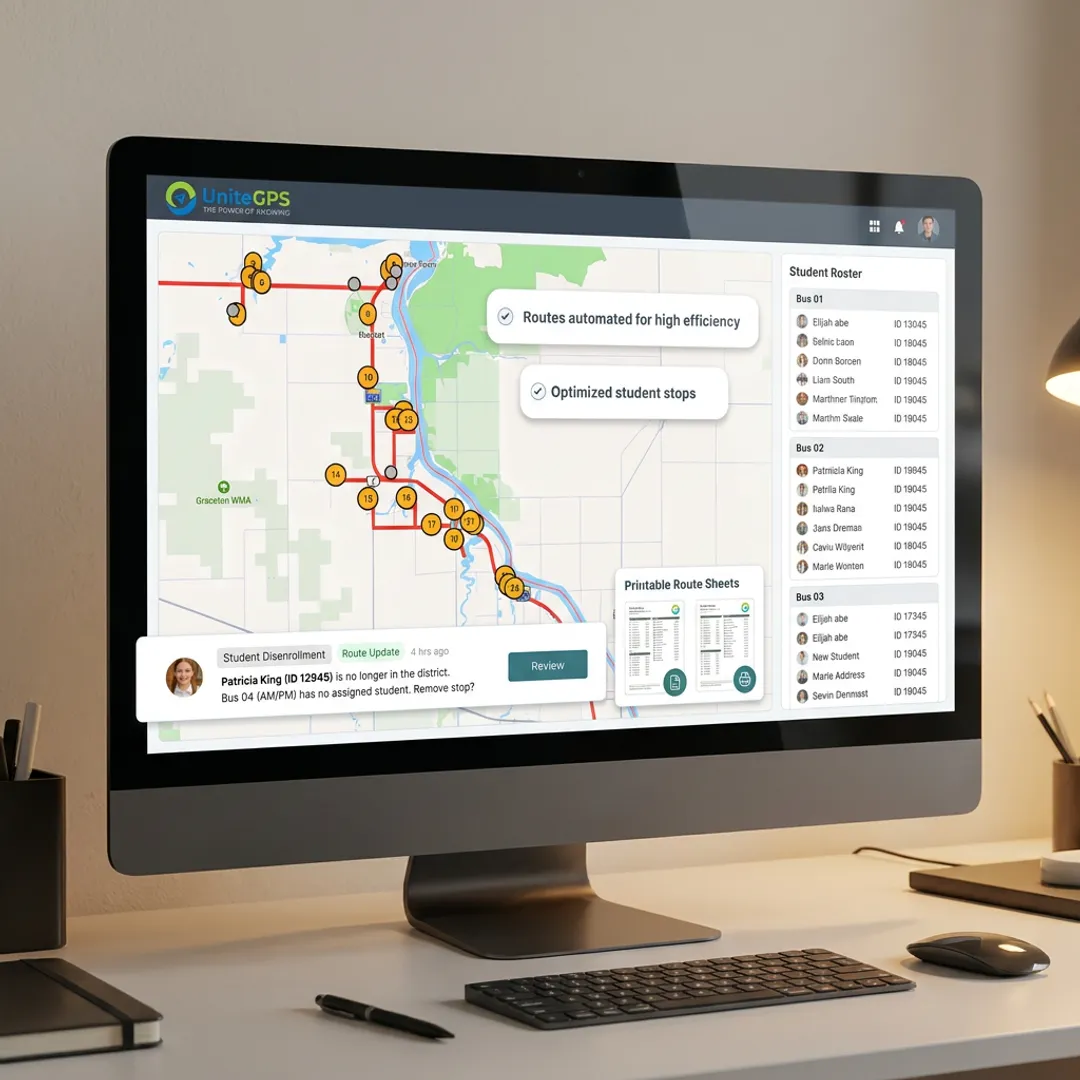
See how transportation teams use UniteGPS to simplify routing, improve visibility, and support safer daily operations.
A practical, customer-led platform for school transportation teams.
Crosswalk was developed from direct transportation-office feedback, not generic fleet-management assumptions.
Crosswalk was developed from direct transportation-office feedback, not generic fleet-management assumptions.
Our team builds your routes during a free 90-day setup, reducing implementation workload.
Get unlimited live support without ticket queues from a team invested in long-term partnerships.
FERPA-compliant tools and SIS synchronization help districts manage student transportation information responsibly.
Founders building practical transportation tools for districts.

Co-Founder
Christopher Bunnell is a Co-Founder of UniteGPS, the company he helped launch in 2014 after watching his own children wait in the freezing Maine winter for a school bus with no arrival information. Driven by that firsthand frustration, Chris partnered with Steve C. Lanning and Steven J. Lanning to build a real-time GPS tracking solution that gave families the visibility they deserved. Before UniteGPS, Chris served as the on-site client representative in Baltimore for a Centers for Medicare and Medicaid Services project, while the technical team operated remotely from California. At UniteGPS, Chris has led client relationships and stakeholder engagement since day one, ensuring the platform continues to solve real problems for school districts and transit agencies nationwide.

Co-Founder
Steve C. Lanning is a Co-Founder of UniteGPS, bringing deep database architecture and enterprise-level technical expertise to the platform since its founding in 2014. Steve previously served as an Oracle database administrator on a Centers for Medicare and Medicaid Services project at the San Diego Supercomputer Center at UC San Diego, where he first collaborated with Chris Bunnell. In the early years of UniteGPS, Steve balanced the project alongside other professional commitments until growing client traction made it a full-time pursuit. His database expertise has been instrumental in building a reliable, scalable platform that now serves over 100 school districts nationwide, supporting everything from route optimization to student ridership tracking and SIS data integration.

Co-Founder
Steven J. Lanning is a Co-Founder of UniteGPS and the primary architect behind the Crosswalk platform, which he has built and continuously refined since the company's founding in 2014. Steven began his career on the same Centers for Medicare and Medicaid Services project as his co-founders, focusing on solution quality assurance and software testing for production readiness while simultaneously pursuing formal software development training. When UniteGPS launched, Steven committed full-time to product development, translating real feedback from transportation directors and drivers into practical platform features. His customer-driven approach to engineering has helped UniteGPS grow into a fully integrated transportation management solution trusted by K-12 districts and transit agencies across the United States.
School bus route scheduling software helps transportation teams create, organize, and maintain bus routes, stops, student assignments, rosters, and driver-facing route sheets. A strong system uses current enrollment data to reduce manual planning and makes it easier to adjust routes when students move, schools change, or capacity needs shift. UniteGPS also combines routing with optional GPS, parent communication, and ridership tools.
UniteGPS uses district student enrollment data to build routes, rosters, and printable route sheets. Its SIS integration helps keep transportation information aligned with the district’s authoritative student records, reducing repeated manual uploads and data entry. During the free 90-day setup, the UniteGPS team builds routes with your office, helping establish a usable routing foundation before your team takes over daily management.
Yes. Routing Essentials is designed for districts replacing paper maps, Google Maps, or route knowledge held by one person. The platform centralizes route details, student assignments, rosters, and route sheets in a dedicated transportation system. This gives office staff a more consistent process for updates and provides drivers with clearer route information when regular personnel are unavailable.
Yes. SIS integration is included in every UniteGPS tier and is configured during the free 90-day onboarding process. The connection synchronizes student enrollment information with routing and ridership records, helping keep stop assignments and routes current when enrollment changes. UniteGPS supports the transportation sync needs associated with common district systems, including PowerSchool, Skyward, and Infinite Campus.
UniteGPS Routing Essentials is priced by fleet size: $49 per month for 1–5 buses, $98 per month for 6–15 buses, and $196 per month for fleets with 16 or more buses. Contracts are annual and renew year to year. Districts can add GPS Tracking & Routing or the Tablet Suite when they need live tracking, ridership verification, or on-board tools.
GPS tracking is available through UniteGPS Tier 2, GPS Tracking & Routing, which includes all Routing Essentials features. It provides live bus updates every five seconds, mileage tracking, geofence, speeding, and idle alerts, plus a basic parent app. The GPS device is included at no additional hardware cost at this tier, making it a practical upgrade for districts that need real-time fleet visibility.
Yes. Districts using Tier 2 can activate a basic real-time parent app that shows a bus location, estimated arrival information, and timestamped ride history. Tier 3 adds advanced ridership notifications based on student scan-on and scan-off activity. Parents do not pay a separate charge for the app; access is provided after their district activates the service.
Yes. The Tier 3 Tablet Suite includes student ridership tracking through scan-on and scan-off records, categorized mileage, and IEP/Medicaid invoicing support. These tools help districts document which students rode which bus and when, creating billing-ready records for qualifying special-education transportation. The on-board tablet also supports driver navigation and vehicle inspections, keeping key daily documentation in one workflow.
Talk with our team about your district’s routing workflow and goals.
Student data protection for district transportation records.
Trusted by K-12 transportation teams nationwide.

Student data protection for district transportation records.
Trusted by K-12 transportation teams nationwide.
Long-term, customer-funded platform development.